

Pandada
Pandada AI analyzes uploaded spreadsheets, documents, and other files through natural-language questions, producing charts, cleaned data, and shareable reports without code.
Find AI tools for work, creativity and everyday tasks. Read what they do before you try them.
Pandada AI analyzes uploaded spreadsheets, documents, and other files through natural-language questions, producing charts, cleaned data, and shareable reports without code.

Fallom traces LLM calls, groups them into sessions, and supports production experiments and output evaluations.

Mowgli combines a product questionnaire, specifications, moodboards and multi-screen UI design. It supports Figma and coding-agent handoff, with credits and export features separated by...

Vonvo is an AI sales training platform for role-play, cold-call practice, call analysis, coaching, team development, and hiring assessments.
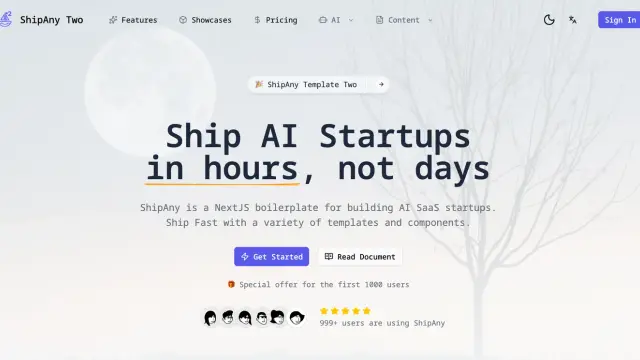
PiCrafts AI Image Editor changes uploaded photos through text instructions, with a 5 MB upload limit and credit-based edits.

Veo 3 AI at veo3-ai.io offers image and short-video generation with text or reference-image inputs and credit-based plans.
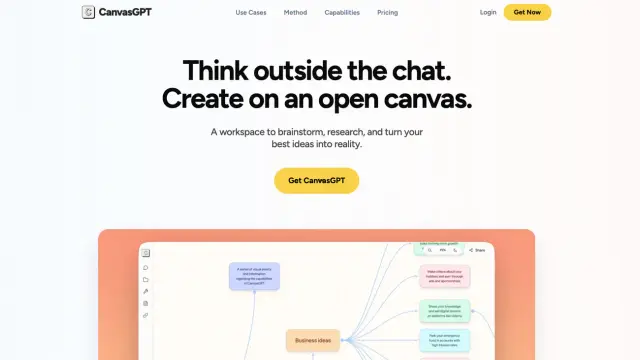
CanvasGPT connects research, files, generated media, and shareable tools on a visual canvas with pay-as-you-go credits.

Legnext provides REST access to Midjourney image and video tasks, with pay-per-task credits and an optional bring-your-own-account mode.
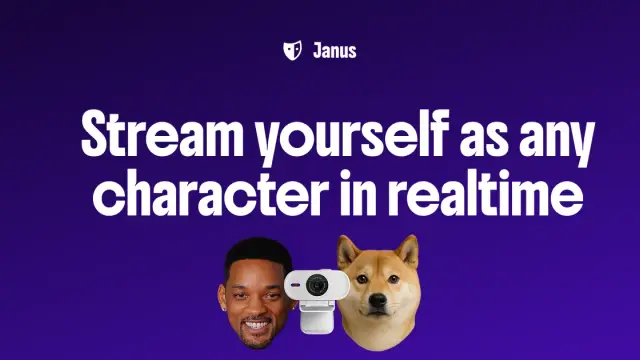
Janus turns webcam expressions into a live character avatar, with browser-based rendering, free streaming, and paid creation credits.
Shopping for software? Browse seasonal AI tool deals and check each seller’s offer terms.
Start with the job, not the brand. Pick a category, sort by newest to see recent launches, then open a tool page to read what it does, who it suits and where its official website is.
Sign in, choose Submit Tool, paste the tool’s official website, pick a category and add a sentence on what it does. Submitting is instant: it is saved straight away and appears in your submission history, where you can follow it through to its published page.
Yes. Founders and makers are welcome to submit their own tools. Link the official product page rather than a social post or app store listing, so readers land in the right place.
Some are free, many have a free plan, and some are paid only. Each tool page links to the official website, which has the current pricing, because plans and prices change often.
New tools are added every day. Sort by Newest first to see the latest additions, or follow the AI Tools RSS feed to get them as they are published.