
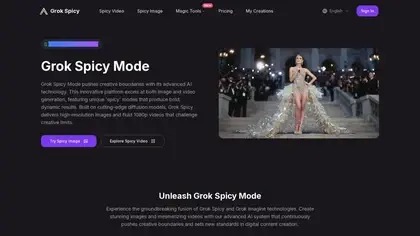
Grok Spicy Mode
Grok Spicy Mode, leveraging the power of Grok Imagine, is a creative AI tool designed to generate high-quality visuals, including both images and videos, from user-defined prompts. Its...
Find AI tools for work, creativity and everyday tasks. Read what they do before you try them.
Grok Spicy Mode, leveraging the power of Grok Imagine, is a creative AI tool designed to generate high-quality visuals, including both images and videos, from user-defined prompts. Its...

InsMelo creates songs from lyrics, text, images, or melodies, and offers music-video generation, song covers, and audio arrangement tools.
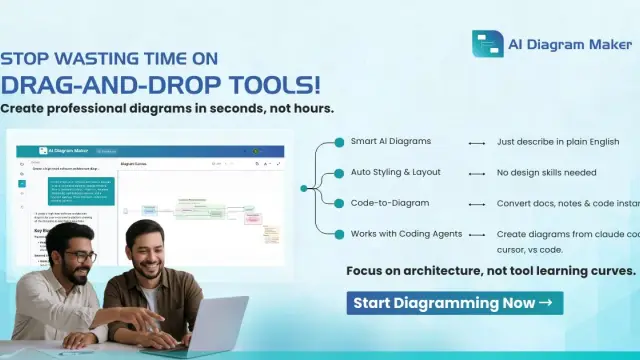
AI Diagram Maker turns descriptions, attachments, and GitHub repositories into editable D2 diagrams, with image exports and an MCP server for supported clients.

Bizgraph is an innovative AI billing software designed specifically for agencies leveraging AI in their client work. This tool simplifies the complex process of billing for AI usage by...

Extraction.app is an AI-powered data extraction tool designed to effortlessly pull structured data from various file formats, including PDFs, Word documents, Excel spreadsheets, images,...
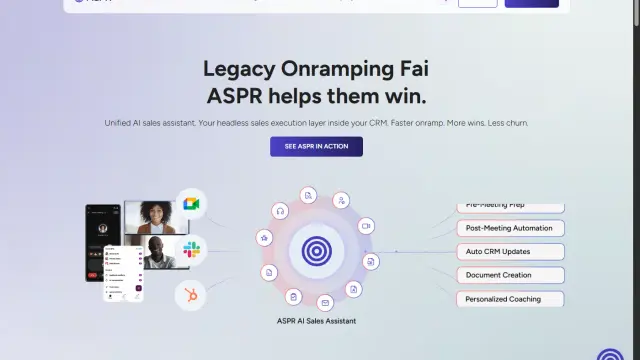
ASPR combines sales-meeting preparation, follow-up, CRM updates, coaching, and knowledge retrieval through specialized AI agents.

Gemini AI Photo Editor streamlines image editing with its AI-powered capabilities. Simply upload a photo and describe your desired edits, and the tool delivers professional results...

Botphonic handles inbound and outbound business calls, appointment booking, CRM updates, and post-call summaries, with usage and concurrency-based plans.
WhatLLM.org compares language models by quality, speed, token pricing, and context length, with task-specific rankings and side-by-side comparisons.
Shopping for software? Browse seasonal AI tool deals and check each seller’s offer terms.
Start with the job, not the brand. Pick a category, sort by newest to see recent launches, then open a tool page to read what it does, who it suits and where its official website is.
Sign in, choose Submit Tool, paste the tool’s official website, pick a category and add a sentence on what it does. Submitting is instant: it is saved straight away and appears in your submission history, where you can follow it through to its published page.
Yes. Founders and makers are welcome to submit their own tools. Link the official product page rather than a social post or app store listing, so readers land in the right place.
Some are free, many have a free plan, and some are paid only. Each tool page links to the official website, which has the current pricing, because plans and prices change often.
New tools are added every day. Sort by Newest first to see the latest additions, or follow the AI Tools RSS feed to get them as they are published.