
SalesSage
SalesSage provides guidance on sales training, coaching, onboarding, consultative selling, and performance measurement for developing sales teams.
Find AI tools for work, creativity and everyday tasks. Read what they do before you try them.
SalesSage provides guidance on sales training, coaching, onboarding, consultative selling, and performance measurement for developing sales teams.

ArchiQuill is an AI architectural rendering platform for turning sketches and elevation drawings into photorealistic visualizations.

Wan 2.6 is a cutting-edge AI video generation tool that empowers users to create 15-second videos through video-to-video style transfer, offering unprecedented creative freedom. Unlike...

ImgUpscaler Online is a browser-based AI tool that enlarges and sharpens photos with free HD Fast and paid 4K Pro and Ultra modes.
Modelfy 3D generates models from images or text, with mesh exports, optional textures, and plan-dependent generation modes and asset licensing.
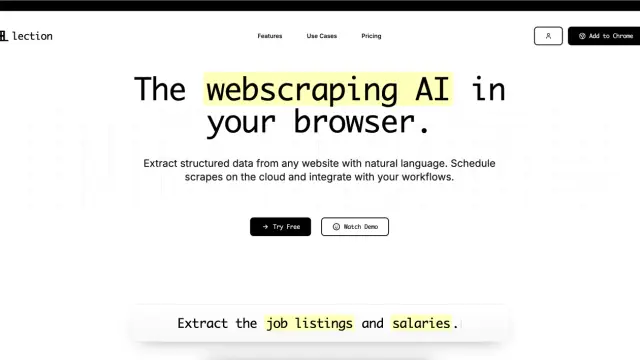
Lection extracts structured web data through a Chrome workflow and sends results to files, spreadsheets, databases, and scheduled automations.

HypeNest repurposes long videos into editable clips, captions, metadata, and thumbnails, with reviewed publishing to YouTube and TikTok.
TikTask schedules communication and social actions on Android, with local execution, recurring tasks, reusable recipient lists, and device-setting checks.

GuruTrans offers browser-based language translation, style rewriting, and text-code conversion, with per-tool instructions and optional paid translation credits.
Shopping for software? Browse seasonal AI tool deals and check each seller’s offer terms.
Start with the job, not the brand. Pick a category, sort by newest to see recent launches, then open a tool page to read what it does, who it suits and where its official website is.
Sign in, choose Submit Tool, paste the tool’s official website, pick a category and add a sentence on what it does. Submitting is instant: it is saved straight away and appears in your submission history, where you can follow it through to its published page.
Yes. Founders and makers are welcome to submit their own tools. Link the official product page rather than a social post or app store listing, so readers land in the right place.
Some are free, many have a free plan, and some are paid only. Each tool page links to the official website, which has the current pricing, because plans and prices change often.
New tools are added every day. Sort by Newest first to see the latest additions, or follow the AI Tools RSS feed to get them as they are published.