
Pexo
Pexo plans multi-scene videos from ideas or source assets, adds narration and graphics, and accepts conversational revisions before delivery.
Find AI tools for work, creativity and everyday tasks. Read what they do before you try them.
Pexo plans multi-scene videos from ideas or source assets, adds narration and graphics, and accepts conversational revisions before delivery.

Articuler uses AI semantic matching to help people find professional connections based on intent, with support for global profiles, curated directories, event lists, outreach, meeting...
CitedEvidence combines scholarly discovery, PDF questions and academic writing modules, with source records and API or MCP access for builders.

GeminiOmni.studio presents video and image generation with scene prompts and credit plans; its model-origin and consistency claims are unverified publisher statements.
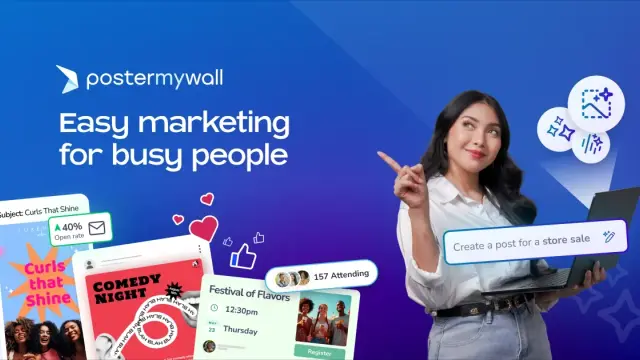
PosterMyWall combines editable marketing designs with social scheduling, event pages and email campaigns, plus AI tools for copy and media.

Thumbs.ai offers prompt-based YouTube thumbnail creation and reference-image remakes, with trial credits and plan-specific watermark and usage terms.
Google DeepMind describes Gemini Omni as a multimodal video model for reference-based generation and step-by-step edits, with frame controls and optional upscaling.
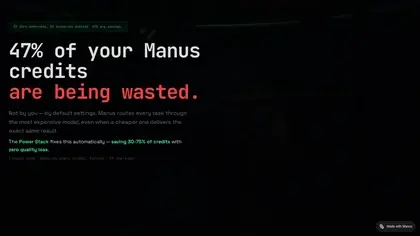
CreditOpt.ai is a third-party Manus optimization layer that routes prompts between Standard and Max modes using task complexity and context-management strategies.
Orchestra Ads connects a marketing brief with content, SEO checks and campaign plans, using advertiser-owned accounts and approval-controlled publishing.
Shopping for software? Browse seasonal AI tool deals and check each seller’s offer terms.
Start with the job, not the brand. Pick a category, sort by newest to see recent launches, then open a tool page to read what it does, who it suits and where its official website is.
Sign in, choose Submit Tool, paste the tool’s official website, pick a category and add a sentence on what it does. Submitting is instant: it is saved straight away and appears in your submission history, where you can follow it through to its published page.
Yes. Founders and makers are welcome to submit their own tools. Link the official product page rather than a social post or app store listing, so readers land in the right place.
Some are free, many have a free plan, and some are paid only. Each tool page links to the official website, which has the current pricing, because plans and prices change often.
New tools are added every day. Sort by Newest first to see the latest additions, or follow the AI Tools RSS feed to get them as they are published.