
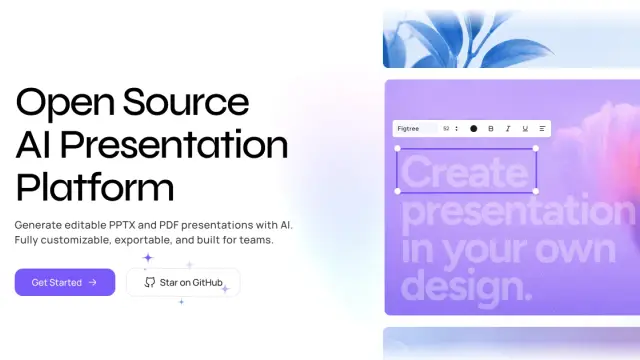
Presenton
Presenton is an open-source AI presentation maker for generating, editing, and exporting branded PPTX and PDF decks from prompts, documents, data, and existing presentations.
Find AI tools for work, creativity and everyday tasks. Read what they do before you try them.
Presenton is an open-source AI presentation maker for generating, editing, and exporting branded PPTX and PDF decks from prompts, documents, data, and existing presentations.

Multica coordinates human and coding-agent work through issues, runs and reusable skills, while execution and model access remain with installed coding tools.

Llamaroo helps teachers build editable gamified lessons, with class-code student access and plan limits for learner spaces and AI credits.
OminiGate provides compatible model APIs behind one prepaid balance, with automatic routing, optional provider pinning and documented transcription endpoints.
Free.ai combines chat and media tools under a shared token balance, with capped free use, paid model routes and separate optional app hosting.

BookCoversLab pairs AI cover artwork with KDP wrap calculations and print-PDF export, using separate generation and final-export credits.
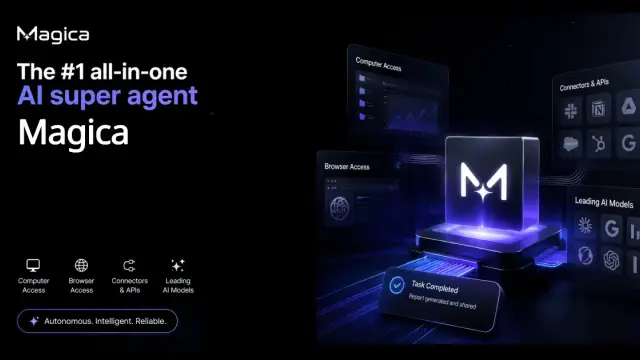
AI work platform with a Super Agent for multi-step research, file creation, coding, browser tasks, and supported connected-app actions, plus visual workflows, asset storage, projects,...

What Dokie does Dokie is an AI presentation maker that creates professional, brand-aligned slides with clean layouts in minutes. Generate and edit PPTs for free.

SoonLab generates playable browser-game prototypes from prompts, then lets creators test and refine them through follow-up instructions.
Shopping for software? Browse seasonal AI tool deals and check each seller’s offer terms.
Start with the job, not the brand. Pick a category, sort by newest to see recent launches, then open a tool page to read what it does, who it suits and where its official website is.
Sign in, choose Submit Tool, paste the tool’s official website, pick a category and add a sentence on what it does. Submitting is instant: it is saved straight away and appears in your submission history, where you can follow it through to its published page.
Yes. Founders and makers are welcome to submit their own tools. Link the official product page rather than a social post or app store listing, so readers land in the right place.
Some are free, many have a free plan, and some are paid only. Each tool page links to the official website, which has the current pricing, because plans and prices change often.
New tools are added every day. Sort by Newest first to see the latest additions, or follow the AI Tools RSS feed to get them as they are published.