OpenTypeless
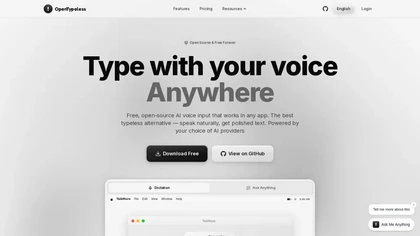
OpenTypeless is an open-source desktop voice-input application for Windows, macOS and Linux. It turns speech into text and can optionally polish that text before inserting it at the cursor in another application.
Choose speech recognition and optional polishing
The OpenTypeless homepage describes configuring speech-to-text and language-model providers with your own API keys. Its workflow separates transcription from optional polishing, which can adjust grammar, tone and formatting. You can therefore evaluate raw recognition before adding a rewrite stage.
Start with representative names and technical terms, then compare the inserted text with what you said. The app includes a custom dictionary for vocabulary and shortcuts for dictation, questions and translation. Check a shortcut in a non-sensitive document before using it in an application that might send or execute text.
Use app-aware formatting with review
The publisher describes local app classification with built-in profiles for surfaces such as email, chat and technical notes. It says unknown applications fall back to a General profile and clarifies that the named apps do not endorse OpenTypeless.
A profile can change how a spoken update is phrased. Inspect the output before sending a message or saving an official record, especially where polishing might remove a qualifier or change a technical instruction. The advertised language count should be checked against the selected speech provider and representative speakers rather than assumed to guarantee equal accuracy for every accent.
Distinguish local routes from cloud processing
The homepage identifies a custom Whisper-compatible endpoint as a local or self-hosted speech route and Ollama as a local language-model option. It also states that whether audio leaves the machine depends on the endpoint and network configuration. Local app classification does not mean that transcription and polishing are always local.
Check your chosen providers' data handling and costs before dictating confidential material. The desktop app's free and open-source status is separate from any hosted quota or provider API charge; the site also mentions optional cloud and paid access. Keep keys private, confirm the active route and use the smallest test needed to verify recognition and insertion behavior before adopting it across a workflow.
