

OpenWorker
Open-source, local-first desktop AI agent that turns requests into deliverables across connected tools, with user-selected models and approval before important actions.
Find AI tools for work, creativity and everyday tasks. Read what they do before you try them.
Open-source, local-first desktop AI agent that turns requests into deliverables across connected tools, with user-selected models and approval before important actions.

Harper checks English grammar on your device, with an Obsidian plugin and configurable editor integrations. Its checks do not depend on a language-model API.

Kimi is Moonshot AI’s AI workspace for research, documents, slides, spreadsheets, coding, browser tasks, and goal-driven agent workflows.

Protoface offers managed generative-media inference through an API and Studio, including a separately described realtime-avatar product.
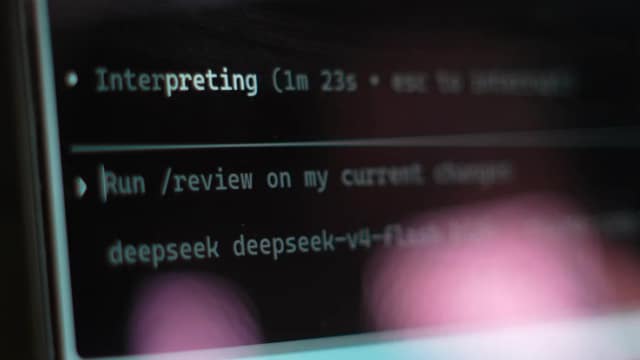
Open Interpreter provides a provider-agnostic terminal coding workflow with repository editing, command execution, review and session resumption. Sandbox boundaries and approval...

NxCode describes a two-agent application-building workflow for requirements, code generation, Docker execution, testing, and deployment.
PandaOS is a beta local workstation for projects, tools, and agents, with reusable workflows, project memory, and optional included model usage.
Command Code is a coding agent with terminal and desktop workflows, model choices, reusable skills and MCP connections. Its publisher describes learning coding preferences from...

museimage.dev exposes a prompt-and-reference image generator, while its publisher pages contain conflicting model and company branding.
Start with the job, not the brand. Pick a category, sort by newest to see recent launches, then open a tool page to read what it does, who it suits and where its official website is.
Sign in, choose Submit Tool, paste the tool’s official website, pick a category and add a sentence on what it does. Submitting is instant: it is saved straight away and appears in your submission history, where you can follow it through to its published page.
Yes. Founders and makers are welcome to submit their own tools. Link the official product page rather than a social post or app store listing, so readers land in the right place.
Some are free, many have a free plan, and some are paid only. Each tool page links to the official website, which has the current pricing, because plans and prices change often.
New tools are added every day. Sort by Newest first to see the latest additions, or follow the AI Tools RSS feed to get them as they are published.