
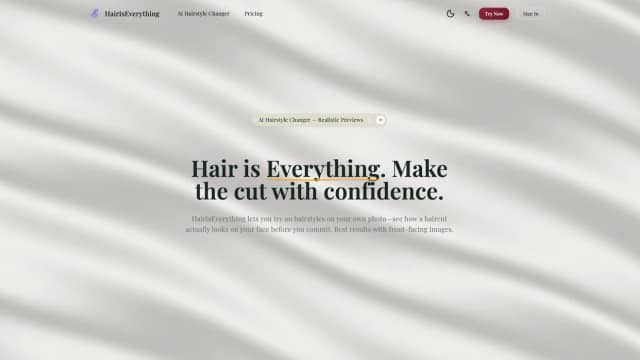
HairIsEverything
HairIsEverything previews hairstyles on your own photo, with reference-based generation, before-and-after comparisons, downloads and credit-based access.
Find AI tools for work, creativity and everyday tasks. Read what they do before you try them.
HairIsEverything previews hairstyles on your own photo, with reference-based generation, before-and-after comparisons, downloads and credit-based access.

Hi3D turns image references into 3D assets and includes print-preparation and export workflows. Its current pages describe supported image formats, slicer connections, credit...
RemoveBGVideo removes backgrounds from uploaded clips and exports transparent or replacement-background videos, with previews and pay-as-you-go credits.

RenderAI produces design visualizations from sketches, model images and photographs, with project boards, image upscaling and animation tools.

PixPark combines image and video generation with visual editing, reference uploads and a model library, using one-time Flex credit purchases.

LayerPrep streamlines the process of preparing artwork for screen printing or other layered printing methods. This AI-powered tool automatically converts complex designs into distinct,...

Image Describer is a versatile AI tool designed to analyze images and generate detailed textual descriptions. Its primary function is to convert visual content into written narratives,...

AI image generator and editor powered by Gemini 3.1 Flash Image, with reference-image editing, conversational revisions, multilingual text rendering, and outputs from 512px to 4K.

Triall checks answers through three independent model responses, blind cross-review, and web-source verification, then returns a verdict.
Start with the job, not the brand. Pick a category, sort by newest to see recent launches, then open a tool page to read what it does, who it suits and where its official website is.
Sign in, choose Submit Tool, paste the tool’s official website, pick a category and add a sentence on what it does. Submitting is instant: it is saved straight away and appears in your submission history, where you can follow it through to its published page.
Yes. Founders and makers are welcome to submit their own tools. Link the official product page rather than a social post or app store listing, so readers land in the right place.
Some are free, many have a free plan, and some are paid only. Each tool page links to the official website, which has the current pricing, because plans and prices change often.
New tools are added every day. Sort by Newest first to see the latest additions, or follow the AI Tools RSS feed to get them as they are published.