
Browse.sh
Browse.sh combines website-specific automation skills with browser commands, console and network inspection, and optional Browserbase cloud sessions for AI agents.
Find AI tools for work, creativity and everyday tasks. Read what they do before you try them.
Browse.sh combines website-specific automation skills with browser commands, console and network inspection, and optional Browserbase cloud sessions for AI agents.

SciDraw advertises AI scientific illustrations, diagrams, and data charts for papers and teaching; check scientific accuracy and export requirements before publication.
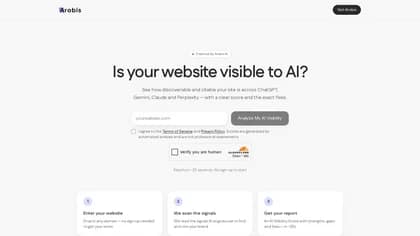
Arobis AI Visibility Checker scores website-readiness signals and suggests fixes; its score is a diagnostic estimate, not a measurement of live AI recommendations.

HandOCR extracts editable text from images with batch and multilingual support, daily free quotas, and one-time credits for additional processing.
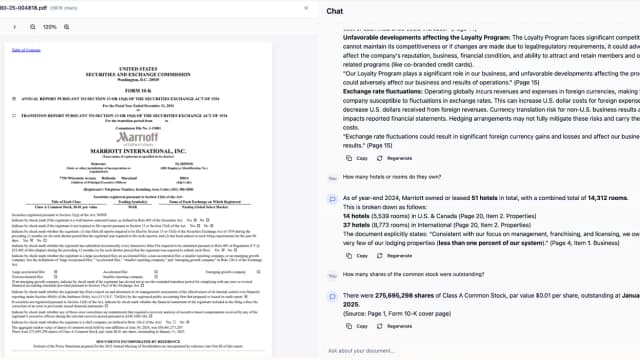
ResearchMonkey is an AI research workspace with 40+ tools for summarizing sources, finding papers, managing citations, analyzing markets, and chatting with files using multiple AI models.

Odysseus is a free, self-hosted AI workspace for chat, agents, model serving, research, and email, using the endpoints you configure.

AI Resumma summarizes text, documents, slides, and article links, with text and image translation and credits charged by the selected tool.

Audio Transcriber converts uploaded recordings or direct audio links into timestamped text with speaker detection and TXT or Word export.
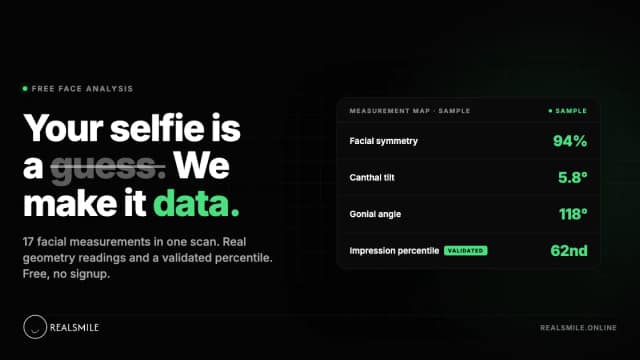
RealSmile measures facial geometry in photos and offers optional photo-ranking reports, with separate consent for community ratings and paid tracking.
Start with the job, not the brand. Pick a category, sort by newest to see recent launches, then open a tool page to read what it does, who it suits and where its official website is.
Sign in, choose Submit Tool, paste the tool’s official website, pick a category and add a sentence on what it does. Submitting is instant: it is saved straight away and appears in your submission history, where you can follow it through to its published page.
Yes. Founders and makers are welcome to submit their own tools. Link the official product page rather than a social post or app store listing, so readers land in the right place.
Some are free, many have a free plan, and some are paid only. Each tool page links to the official website, which has the current pricing, because plans and prices change often.
New tools are added every day. Sort by Newest first to see the latest additions, or follow the AI Tools RSS feed to get them as they are published.