
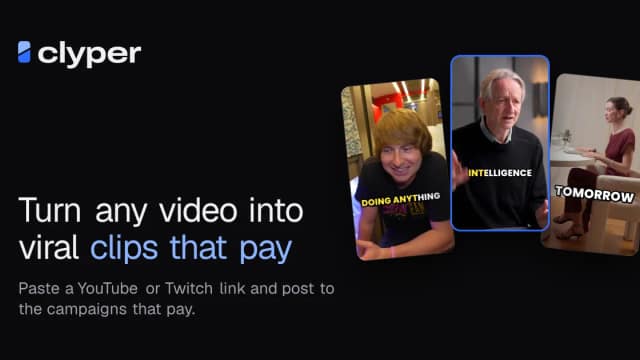
Clyper: turn long videos into editable captioned clips
Clyper selects moments from long videos, reframes them vertically and adds captions, with an editor for reviewing the result before posting.
Find AI tools for work, creativity and everyday tasks. Read what they do before you try them.
Clyper selects moments from long videos, reframes them vertically and adds captions, with an editor for reviewing the result before posting.

A browser video editor cuts, captions and reframes footage while keeping planned professional-editor exports separate.

A browser editor that cuts a talking-head first pass, explains changes and keeps manual editing available.

A local green- and blue-screen keyer with temporal processing, artist hints and host-specific requirements.
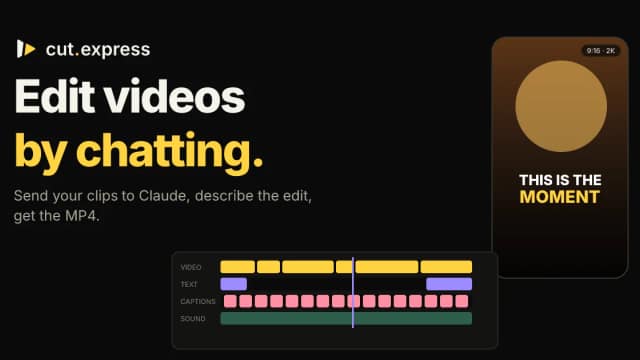
A remote MCP connector gives an assistant footage previews, transcripts and editing tools, with rendering handled by Cut Express.
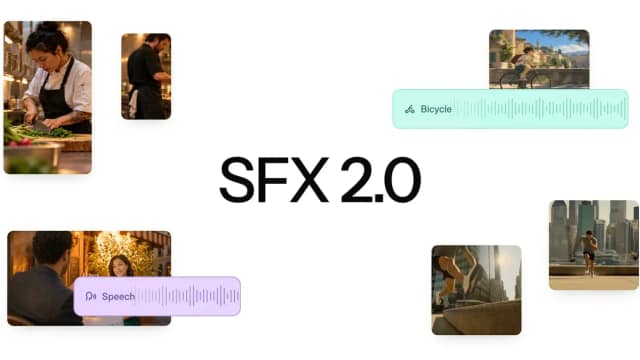
Mirelo generates effects, foley and ambience for an existing edit, with up to ten minutes supported in Studio and the API.

This independent video-to-video editor offers character swaps, motion transfer and restyling through labelled Standard and Pro model options.
FirstCut organizes spoken footage into editable story beats and clips, then exports a rough cut for finishing in a professional editor.

StarZero searches and repurposes recorded video through agent-assisted timelines, captions, reframing and exports. Readers approve rendering; free watermarked previews and...
Start with the job, not the brand. Pick a category, sort by newest to see recent launches, then open a tool page to read what it does, who it suits and where its official website is.
Sign in, choose Submit Tool, paste the tool’s official website, pick a category and add a sentence on what it does. Submitting is instant: it is saved straight away and appears in your submission history, where you can follow it through to its published page.
Yes. Founders and makers are welcome to submit their own tools. Link the official product page rather than a social post or app store listing, so readers land in the right place.
Some are free, many have a free plan, and some are paid only. Each tool page links to the official website, which has the current pricing, because plans and prices change often.
New tools are added every day. Sort by Newest first to see the latest additions, or follow the AI Tools RSS feed to get them as they are published.