
graffiti generator
Graffiti Generator offers a free lettering editor and a separate credit-based workspace for AI artwork and variations.
Find AI tools for work, creativity and everyday tasks. Read what they do before you try them.
Graffiti Generator offers a free lettering editor and a separate credit-based workspace for AI artwork and variations.

Destiny Matrix generates a symbolic numerology chart and first reading for free, with optional paid reports that can include AI follow-up questions.

Kutto turns long recordings into short clips with speaker-aware framing, captions and optional publishing to YouTube and TikTok.
DermInk generates tattoo concepts from descriptions or photos, with controls for placement ideas, variations and image export.

FacelessReel packages scripting, voiceover, scenes, captions and music in a workflow for short videos that do not need a presenter on camera.

Everygen AI combines motion templates for photos with prompt-based image and video generation that uses a shared paid credit balance.

Amendary uses release history to flag outdated help articles and prepare changes for review in the places where the articles already live.
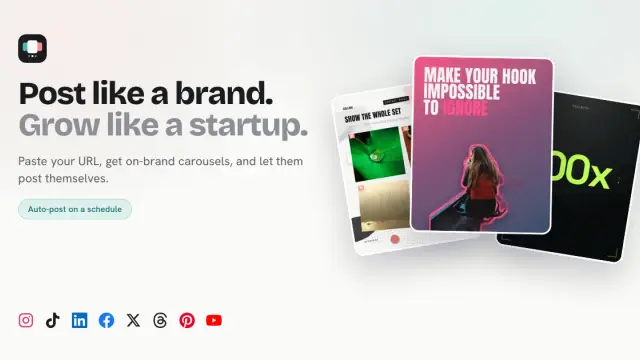
SupaSlides makes editable social carousels from a website and a brief. The free plan covers one brand and three watermarked carousels a month.

Archfine creates concept images from sketches, floor plans, model screenshots and photos. Its free plan includes three generation credits.
Shopping for software? Browse seasonal AI tool deals and check each seller’s offer terms.
Start with the job, not the brand. Pick a category, sort by newest to see recent launches, then open a tool page to read what it does, who it suits and where its official website is.
Sign in, choose Submit Tool, paste the tool’s official website, pick a category and add a sentence on what it does. Submitting is instant: it is saved straight away and appears in your submission history, where you can follow it through to its published page.
Yes. Founders and makers are welcome to submit their own tools. Link the official product page rather than a social post or app store listing, so readers land in the right place.
Some are free, many have a free plan, and some are paid only. Each tool page links to the official website, which has the current pricing, because plans and prices change often.
New tools are added every day. Sort by Newest first to see the latest additions, or follow the AI Tools RSS feed to get them as they are published.