

Origon AI – Build, Deploy, and Scale AI Agents
Origon builds and operates enterprise AI agents, combining engineering, agent management, runtime services, and private deployment options.
Find AI tools for work, creativity and everyday tasks. Read what they do before you try them.
Origon builds and operates enterprise AI agents, combining engineering, agent management, runtime services, and private deployment options.
KikiVoice is a web-based AI voice cloning tool that generates multilingual speech from short, authorized voice recordings without requiring sign-up.
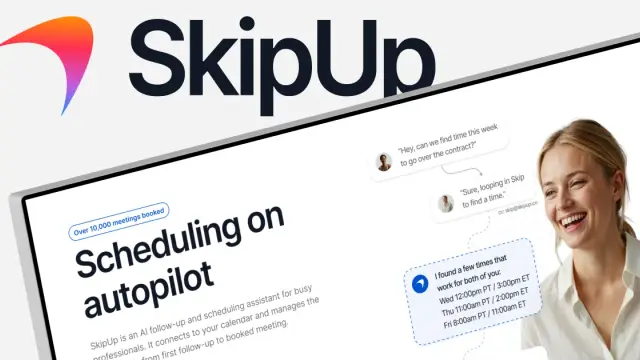
SkipUp follows scheduling email threads, checks multiple calendars and pursues a booked meeting. Introductory meetings, concurrent scheduling and workspace-based paid usage have...

Flova is an AI video creation platform that turns ideas into storyboards, scenes, clips, audio, and editable video using multiple media models.

DatePhotos.AI generates dating profile photos from selfies, with lifestyle scenes, per-photo realness scores, and free regeneration allowances.

Riverside combines local podcast and video recording with transcript editing, AI repurposing, hosting, and live event tools.
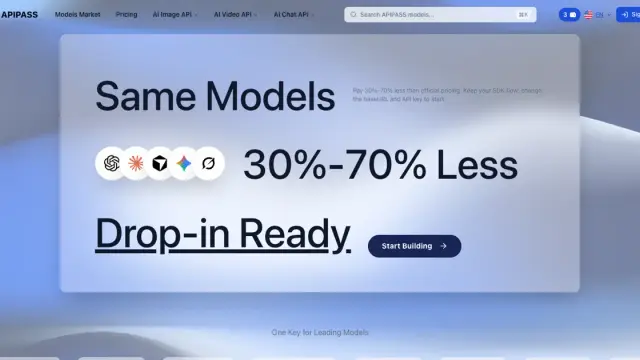
ApiPass provides an API key and billing account for chat and media models, with asynchronous jobs, callbacks, and usage-based credits.
NextPhone answers business calls, gathers intake details, books appointments, and transfers callers, with setup and routing options by plan.

Fudge builds and edits Shopify pages from written requests, creates native theme code, and keeps changes in drafts until publication.
Shopping for software? Browse seasonal AI tool deals and check each seller’s offer terms.
Start with the job, not the brand. Pick a category, sort by newest to see recent launches, then open a tool page to read what it does, who it suits and where its official website is.
Sign in, choose Submit Tool, paste the tool’s official website, pick a category and add a sentence on what it does. Submitting is instant: it is saved straight away and appears in your submission history, where you can follow it through to its published page.
Yes. Founders and makers are welcome to submit their own tools. Link the official product page rather than a social post or app store listing, so readers land in the right place.
Some are free, many have a free plan, and some are paid only. Each tool page links to the official website, which has the current pricing, because plans and prices change often.
New tools are added every day. Sort by Newest first to see the latest additions, or follow the AI Tools RSS feed to get them as they are published.