
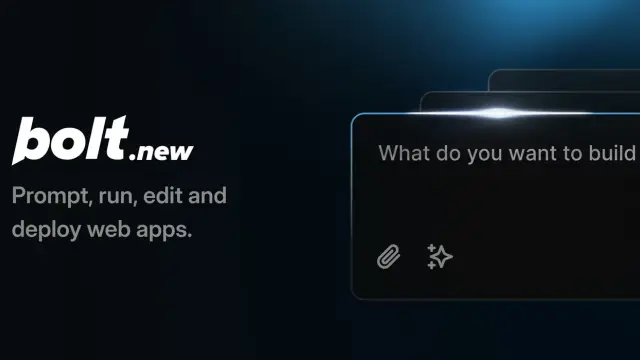
Bolt: build and publish apps from prompts
Bolt builds websites and apps from chat prompts in a browser, with code editing, project imports and integrated cloud services.
Find AI tools for work, creativity and everyday tasks. Read what they do before you try them.
Bolt builds websites and apps from chat prompts in a browser, with code editing, project imports and integrated cloud services.

Descript edits audio and video through a transcript, with an AI co-editor, audio cleanup, recording and clip-making tools.

Notion AI works with workspace pages, databases and connected apps to answer questions, draft content and carry out tasks.
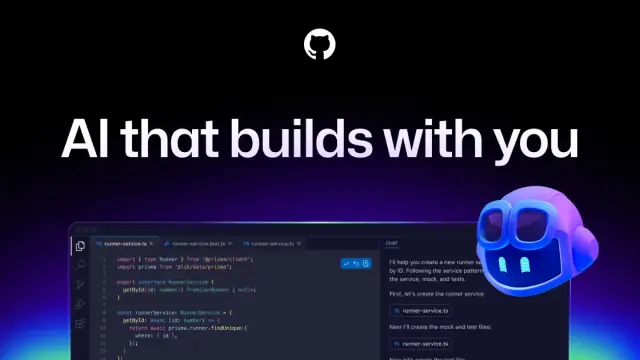
GitHub Copilot assists with code suggestions, repository questions, changes and pull-request reviews within GitHub's development workflow.
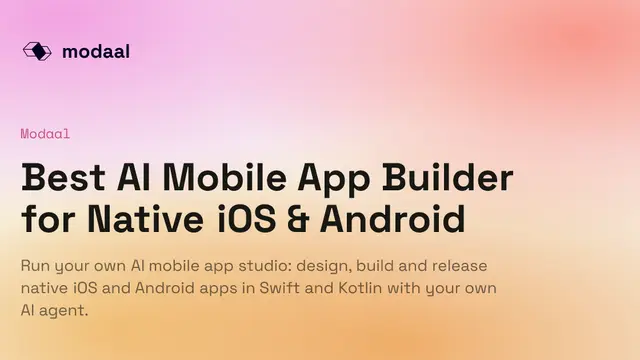
Modaal describes a workflow in which an agent writes a product document and feature specifications for approval before coding. It produces local SwiftUI and Jetpack Compose projects and...

Bejou animates a couple photo or separate portraits into a short romantic clip. Its page describes prompts, presets, selected-model audio support, and welcome credits; privacy and...

Musely routes a plain-language creative request to a generator and pre-fills its settings. Its public page describes a shared media library, a free allowance, and paid unlimited text,...

HotelLobby.ai turns two authorized photos into a 15-second landscape rap-duo template video. Its published controls specify resolution costs, seven-day downloads and photo-handling...
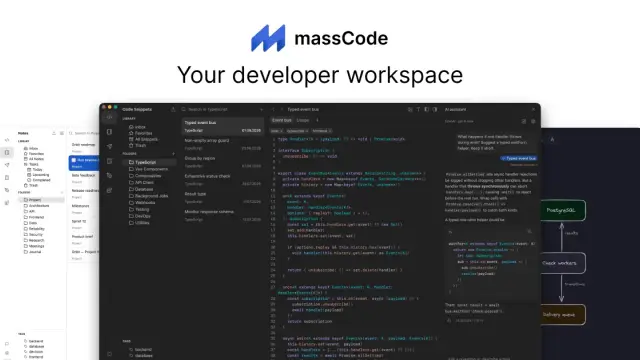
massCode keeps code snippets, technical notes and saved API requests together in a local-first developer workspace. Its optional AI assistant supports user-supplied cloud credentials or...
Shopping for software? Browse seasonal AI tool deals and check each seller’s offer terms.
Start with the job, not the brand. Pick a category, sort by newest to see recent launches, then open a tool page to read what it does, who it suits and where its official website is.
Sign in, choose Submit Tool, paste the tool’s official website, pick a category and add a sentence on what it does. Submitting is instant: it is saved straight away and appears in your submission history, where you can follow it through to its published page.
Yes. Founders and makers are welcome to submit their own tools. Link the official product page rather than a social post or app store listing, so readers land in the right place.
Some are free, many have a free plan, and some are paid only. Each tool page links to the official website, which has the current pricing, because plans and prices change often.
New tools are added every day. Sort by Newest first to see the latest additions, or follow the AI Tools RSS feed to get them as they are published.