

Zenfox
Zenfox connects an AI assistant to business tools and background workers, with project-based workflows and plan capacity limits despite unlimited-message marketing.
Find AI tools for work, creativity and everyday tasks. Read what they do before you try them.
Zenfox connects an AI assistant to business tools and background workers, with project-based workflows and plan capacity limits despite unlimited-message marketing.

Leakless advertises monitoring for stolen creator content and automated takedown requests, with one subscription that includes reupload monitoring and search-delisting requests.

Bloome puts people and AI agents in shared chats, with public-agent cloning and installable skill bundles for adapting agent behavior.

Kane CLI runs plain-English browser checks from a terminal and returns replayable evidence, with account-linked local and cloud execution.

job.rocks AI unterstützt Personaldienstleister und Event-Agenturen bei der KI-gestützten Planung, Besetzung und Kontrolle temporärer Einsätze mit EU-Datenverarbeitung.
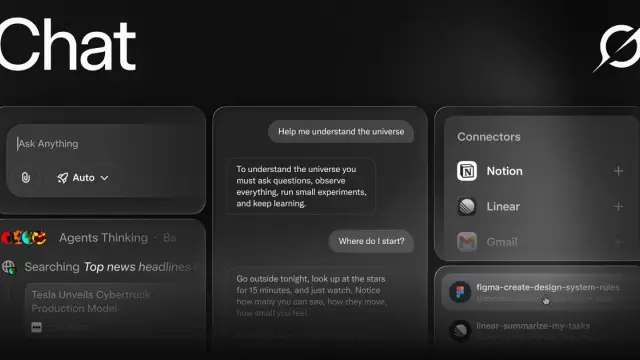
Grok Word is a Microsoft 365 add-in for drafting, restructuring, revising, and standardizing Word documents from a docked panel.
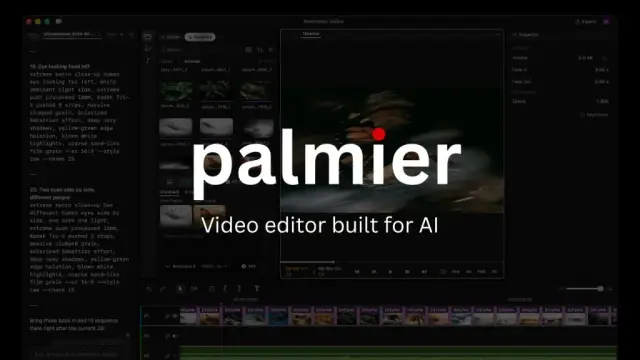
Palmier Pro is a macOS video editor with a local MCP connection for coding agents, reusable editing skills and generation tools on the timeline.
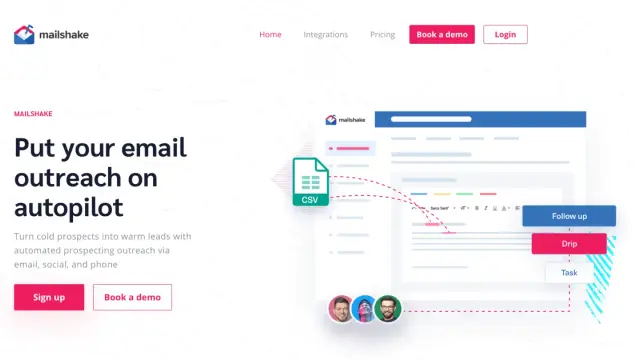
Mailshake combines AI-assisted email copy with outreach sequences, reply handling and lead management; plan limits and the right to contact recipients need separate checks.

PollyReach gives AI Agents dedicated phone numbers for making and receiving calls with businesses, public institutions, and service providers.
Shopping for software? Browse seasonal AI tool deals and check each seller’s offer terms.
Start with the job, not the brand. Pick a category, sort by newest to see recent launches, then open a tool page to read what it does, who it suits and where its official website is.
Sign in, choose Submit Tool, paste the tool’s official website, pick a category and add a sentence on what it does. Submitting is instant: it is saved straight away and appears in your submission history, where you can follow it through to its published page.
Yes. Founders and makers are welcome to submit their own tools. Link the official product page rather than a social post or app store listing, so readers land in the right place.
Some are free, many have a free plan, and some are paid only. Each tool page links to the official website, which has the current pricing, because plans and prices change often.
New tools are added every day. Sort by Newest first to see the latest additions, or follow the AI Tools RSS feed to get them as they are published.