
AfterSession
AfterSession drafts therapy notes from a clinician’s typed or spoken recap after a session, with editable formats and PDF or text export.
Find AI tools for work, creativity and everyday tasks. Read what they do before you try them.
AfterSession drafts therapy notes from a clinician’s typed or spoken recap after a session, with editable formats and PDF or text export.
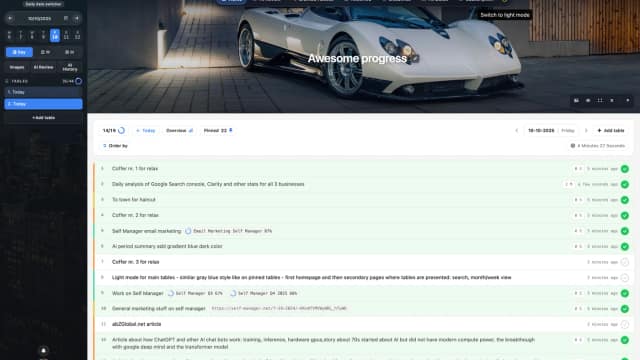
SelfManager.ai is a date-centric AI task manager for planning, tracking, reviewing, and collaborating on work through daily workspaces.

FlipTip estimates resale value from item photos, with paid sold-price comparisons, listing drafts, profit tracking, and higher-tier sourcing tools.
DevOKR manages company, team and individual objectives, with check-ins, performance modules and an Enterprise AI assistant for goal generation and analysis.
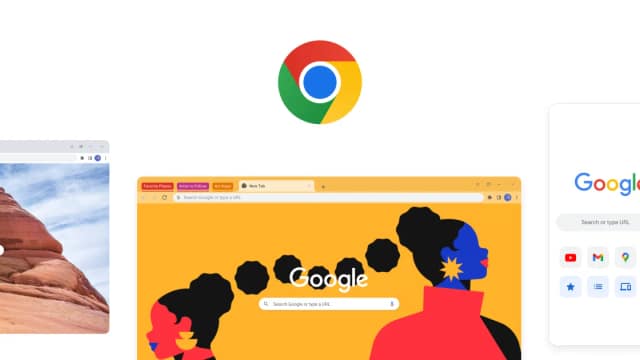
Google Chrome combines tab management, account synchronization and browser safety tools with Gemini, AI Mode search and Google Lens features.
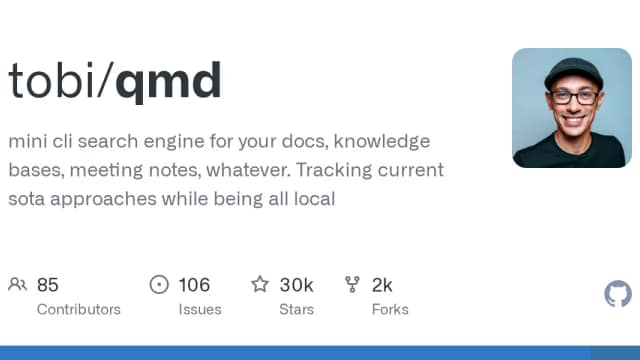
QMD is a local document-search engine combining keyword retrieval, semantic vectors and model reranking, with CLI, MCP and library interfaces.
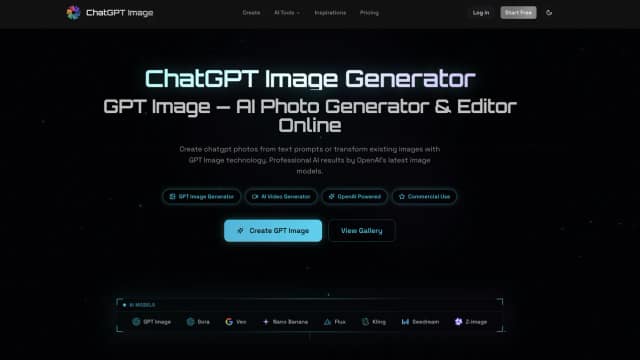
ChatGPT Image is an online AI image generator and editor for creating visuals from prompts, editing uploaded photos, and producing outputs up to 4K.

ASCN.AI builds cloud-hosted agents from plain-language requests or marketplace templates, with service connections, schedules and credit-based execution.

MysticX.AI provides online tarot readings for love, career, daily reflection, and personal decisions using shuffled cards, spreads, and upright or reversed interpretations.
Start with the job, not the brand. Pick a category, sort by newest to see recent launches, then open a tool page to read what it does, who it suits and where its official website is.
Sign in, choose Submit Tool, paste the tool’s official website, pick a category and add a sentence on what it does. Submitting is instant: it is saved straight away and appears in your submission history, where you can follow it through to its published page.
Yes. Founders and makers are welcome to submit their own tools. Link the official product page rather than a social post or app store listing, so readers land in the right place.
Some are free, many have a free plan, and some are paid only. Each tool page links to the official website, which has the current pricing, because plans and prices change often.
New tools are added every day. Sort by Newest first to see the latest additions, or follow the AI Tools RSS feed to get them as they are published.