

Hi3D
Hi3D turns image references into 3D assets and includes print-preparation and export workflows. Its current pages describe supported image formats, slicer connections, credit...
Find AI tools for work, creativity and everyday tasks. Read what they do before you try them.
Hi3D turns image references into 3D assets and includes print-preparation and export workflows. Its current pages describe supported image formats, slicer connections, credit...

RenderAI produces design visualizations from sketches, model images and photographs, with project boards, image upscaling and animation tools.

Claude Marketplace lists Claude-powered partner software for enterprise teams and offers a route to purchase using an existing Anthropic commitment.
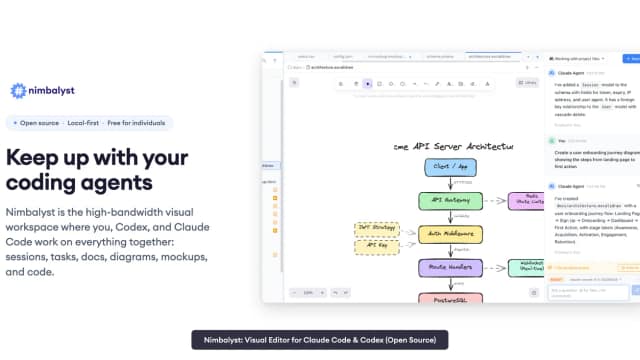
Nimbalyst is a visual workspace for coding agents, with file editors, parallel sessions, reviewed diffs, task tracking and optional shared team documents.

Accomplish It records career achievements from connected accounts or email updates, rewrites notes, and builds resumes and other career documents.
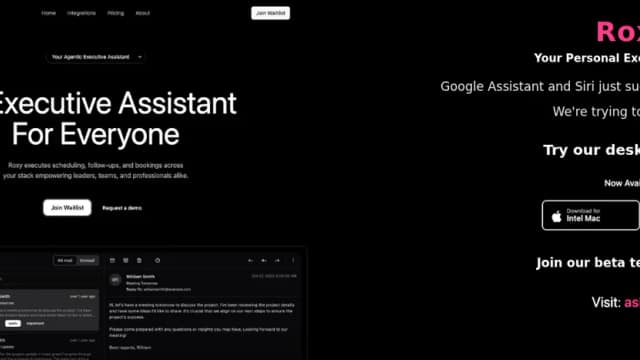
Roxy is an AI executive assistant that schedules meetings, sends follow-ups, books services, and automates connected workflows with approval or autopilot controls.
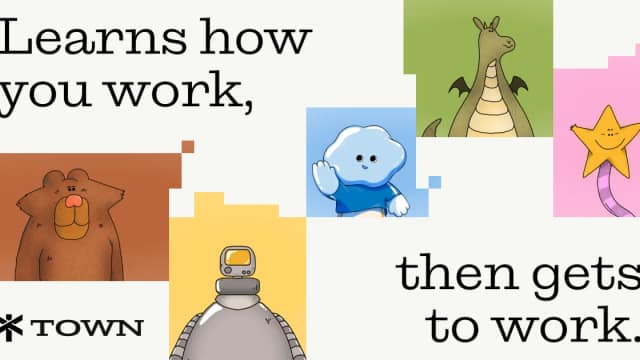
Town connects an AI assistant to work apps, tracks tasks, and runs recurring routines with configurable approvals and action logs.
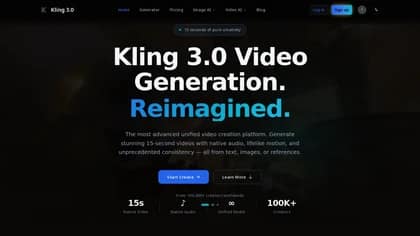
Kling3.pro, brought to you by TopAI Tools, is a versatile AI tool designed to streamline various creative and productivity tasks. Key features include content generation, image...

MaxClaw, developed by TopAI Tools, is an AI-powered agent designed to automate complex tasks and streamline workflows. Its key features include intelligent web navigation, data...
Start with the job, not the brand. Pick a category, sort by newest to see recent launches, then open a tool page to read what it does, who it suits and where its official website is.
Sign in, choose Submit Tool, paste the tool’s official website, pick a category and add a sentence on what it does. Submitting is instant: it is saved straight away and appears in your submission history, where you can follow it through to its published page.
Yes. Founders and makers are welcome to submit their own tools. Link the official product page rather than a social post or app store listing, so readers land in the right place.
Some are free, many have a free plan, and some are paid only. Each tool page links to the official website, which has the current pricing, because plans and prices change often.
New tools are added every day. Sort by Newest first to see the latest additions, or follow the AI Tools RSS feed to get them as they are published.