
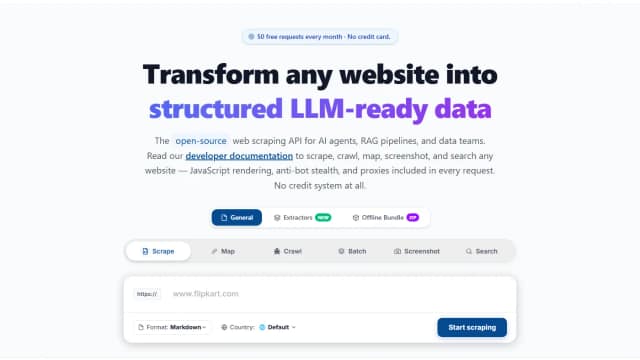
GcrawlAI
GcrawlAI is an open-source web-scraping API that converts websites into LLM-ready Markdown or JSON with crawling, rendering, search, and screenshot endpoints.
Find AI tools for work, creativity and everyday tasks. Read what they do before you try them.
GcrawlAI is an open-source web-scraping API that converts websites into LLM-ready Markdown or JSON with crawling, rendering, search, and screenshot endpoints.

Globster offers organizational AI agents that connect to work apps, receive tasks through messaging services and follow recurring workflows. Its team identifies itself as monday.com...

Beamtrace tracks brand mentions, recommendation position and competitors in AI-generated answers, with prompt-level reports and visibility trends. ChatGPT is listed as supported;...

Cross-platform AI memory for ChatGPT, Claude, Gemini, Grok, DeepSeek, and Kimi, with a Chrome extension, web app, desktop app, MCP, APIs, and SDKs.
Ego Lite is a Chromium-based browser that connects coding agents to existing logged-in sessions, with separate workspaces for agent tasks and human browsing.

FaceSage creates entertainment-oriented personality readings from facial photos through a browser-based workflow.
Scribix selects clips from long videos, supports transcript-based cuts, and prepares vertical shorts with captions. Its free allowance covers 60 lifetime source minutes.
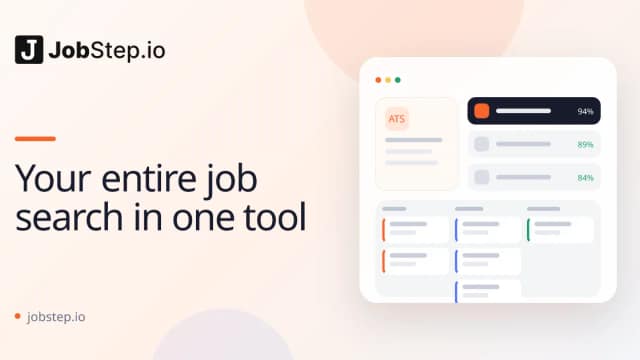
JobStep helps job seekers revise resumes, tailor cover letters and organize applications. Its guidance accounts for the target country as well as the document's language.

Soulthread combines story-based AI character interactions with free-form chat. Its published monthly plans separate chat access from full story chapters.
Start with the job, not the brand. Pick a category, sort by newest to see recent launches, then open a tool page to read what it does, who it suits and where its official website is.
Sign in, choose Submit Tool, paste the tool’s official website, pick a category and add a sentence on what it does. Submitting is instant: it is saved straight away and appears in your submission history, where you can follow it through to its published page.
Yes. Founders and makers are welcome to submit their own tools. Link the official product page rather than a social post or app store listing, so readers land in the right place.
Some are free, many have a free plan, and some are paid only. Each tool page links to the official website, which has the current pricing, because plans and prices change often.
New tools are added every day. Sort by Newest first to see the latest additions, or follow the AI Tools RSS feed to get them as they are published.