

Linked Helper
Linked Helper combines desktop LinkedIn outreach workflows with AI lead qualification, message drafts, reply assistance, CRM records and export options.
Find AI tools for work, creativity and everyday tasks. Read what they do before you try them.
Linked Helper combines desktop LinkedIn outreach workflows with AI lead qualification, message drafts, reply assistance, CRM records and export options.

Shogo uses agents to build and revise business apps and workflows, with open-source self-hosting and paid plans subject to rolling usage windows.
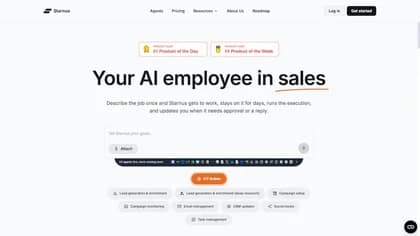
Starnus analyzes a business website, builds an ideal customer profile and manages lead sourcing, personalized email and LinkedIn outreach, follow-ups and reporting.

Semarize turns conversation transcripts into reusable scored fields and evidence for CRM enrichment, analytics, and automations through an API.

Miniloop builds and maintains custom CRMs, including migration and hosting, through a scoped yearly engagement with no per-seat fees.
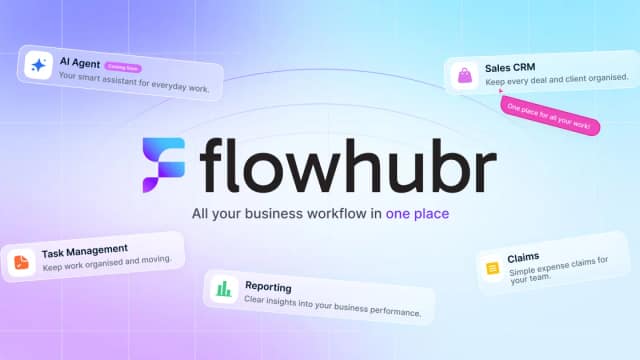
FlowHubr is an all-in-one platform designed to streamline your business operations by integrating CRM, project management, and task management functionalities. Key features include...
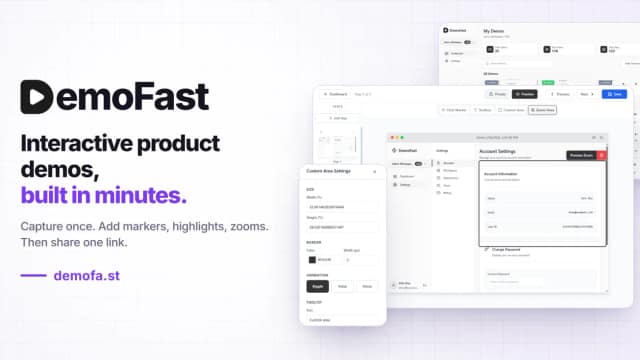
DemoFast makes clickable product walkthroughs from screenshots or Chrome captures, with annotations, website embeds and video exports.
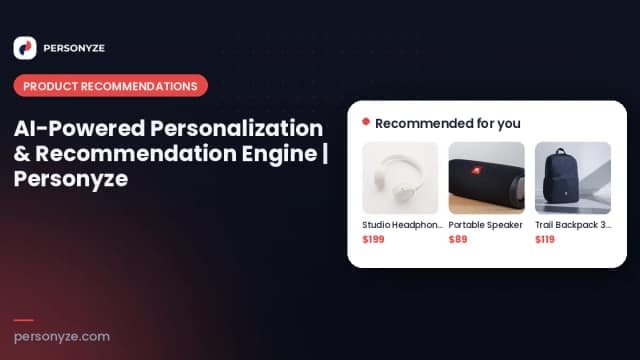
Personyze combines website personalization, recommendations, audience testing, and behavioral email with an AI copilot that stages campaigns for review.

Floowed runs recurring business cases across people and systems, using document interpretation, follow-ups, rules, and recorded actions.
Start with the job, not the brand. Pick a category, sort by newest to see recent launches, then open a tool page to read what it does, who it suits and where its official website is.
Sign in, choose Submit Tool, paste the tool’s official website, pick a category and add a sentence on what it does. Submitting is instant: it is saved straight away and appears in your submission history, where you can follow it through to its published page.
Yes. Founders and makers are welcome to submit their own tools. Link the official product page rather than a social post or app store listing, so readers land in the right place.
Some are free, many have a free plan, and some are paid only. Each tool page links to the official website, which has the current pricing, because plans and prices change often.
New tools are added every day. Sort by Newest first to see the latest additions, or follow the AI Tools RSS feed to get them as they are published.