
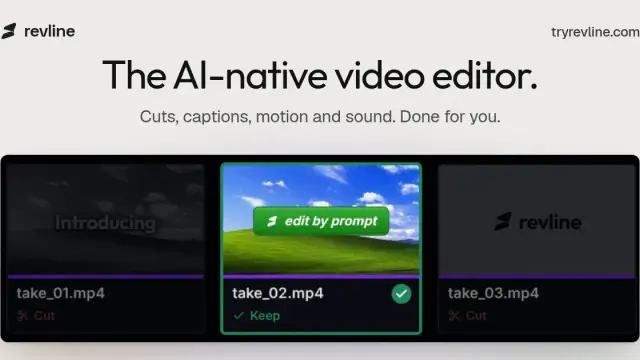
Revline: Prompt-Based Video Editing and Captions
Revline turns edit instructions into timeline changes. It cuts and captions uploaded footage, then lets the creator adjust the edit before export.
Find AI tools for work, creativity and everyday tasks. Read what they do before you try them.
Revline turns edit instructions into timeline changes. It cuts and captions uploaded footage, then lets the creator adjust the edit before export.

Karpo suggests local places and events based on mood, budget and company. Its publisher also describes a browser feature for making bookings.

Nowistay combines rental guest messages, digital welcome guides and channel management. Hosts can review and correct how the AI labels a stay.

Wanaka is an AI-assisted 3D game studio. Describe an idea, test the playable version and share a link friends can open in a browser.

Glasshand rents remote access to a dedicated iPhone or Mac. You can control the device in a browser or connect an agent to work with apps on it.

Cinemagiq organizes long-form projects around shots and sequences. It combines a production board, generation tools and an asset library for review.
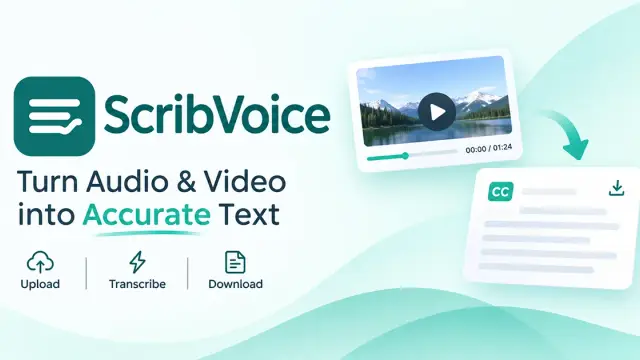
ScribVoice transcribes uploaded audio and video into editable, timestamped text. It offers a recurring free allowance and paid plans for larger workloads.

Wondertake animates a still image from a motion prompt and exports an MP4. New users can try it once with starter credits; paid plans support more generations.

Tancky AI edits or restyles an existing image using a written prompt and optional additional references.
Shopping for software? Browse seasonal AI tool deals and check each seller’s offer terms.
Start with the job, not the brand. Pick a category, sort by newest to see recent launches, then open a tool page to read what it does, who it suits and where its official website is.
Sign in, choose Submit Tool, paste the tool’s official website, pick a category and add a sentence on what it does. Submitting is instant: it is saved straight away and appears in your submission history, where you can follow it through to its published page.
Yes. Founders and makers are welcome to submit their own tools. Link the official product page rather than a social post or app store listing, so readers land in the right place.
Some are free, many have a free plan, and some are paid only. Each tool page links to the official website, which has the current pricing, because plans and prices change often.
New tools are added every day. Sort by Newest first to see the latest additions, or follow the AI Tools RSS feed to get them as they are published.