

AI SVG Generator: Create SVGs Instantly with
SVG AI creates editable vector graphics from prompts or references and can trace existing images into SVG paths. Downloads and API generation require paid access.
Find AI tools for work, creativity and everyday tasks. Read what they do before you try them.
SVG AI creates editable vector graphics from prompts or references and can trace existing images into SVG paths. Downloads and API generation require paid access.
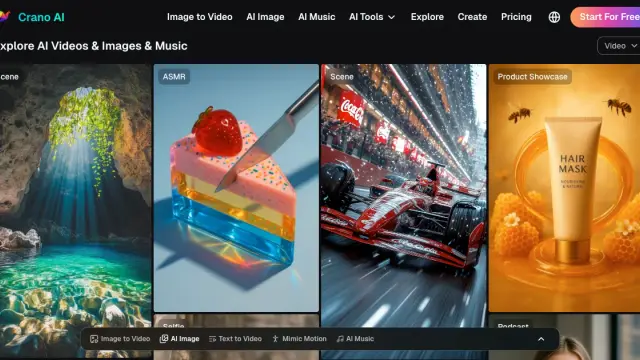
Crano is an AI workspace for generating and editing videos, images, and music from text, images, and other visual inputs.

UPCV is an online AI resume builder with templates, generated work descriptions, wording polish, real-time spelling and grammar correction, career guidance, and PDF export.

Requisor builds AI products, custom agentic systems, and training programs, including a product-context layer for product managers and a field-sales agent.

Thread Deck is a canvas-based workspace for connecting notes, reusable prompts, and AI outputs from ChatGPT, Claude, or Gemini.
PostSyncer combines a social publishing calendar, AI content preparation, approvals and developer or agent access to connected accounts.

Marble generates, edits, expands, and exports persistent 3D worlds from multimodal inputs.

Vezlo is an open-source SDK for converting codebases into searchable knowledge bases and embedding AI assistants into SaaS applications.
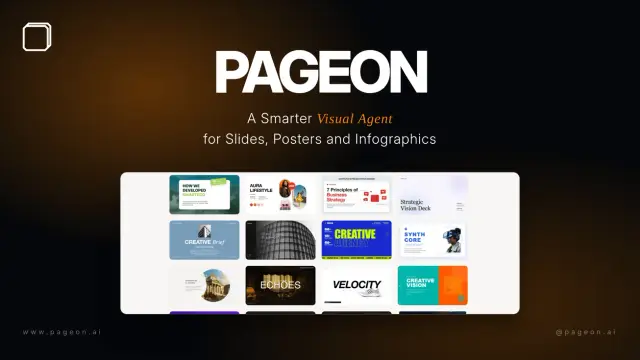
PageOn.AI creates presentations and interactive visual documents with research, modular blocks and brand controls. Pro lists exports and unlimited file creation, while the free plan has...
Shopping for software? Browse seasonal AI tool deals and check each seller’s offer terms.
Start with the job, not the brand. Pick a category, sort by newest to see recent launches, then open a tool page to read what it does, who it suits and where its official website is.
Sign in, choose Submit Tool, paste the tool’s official website, pick a category and add a sentence on what it does. Submitting is instant: it is saved straight away and appears in your submission history, where you can follow it through to its published page.
Yes. Founders and makers are welcome to submit their own tools. Link the official product page rather than a social post or app store listing, so readers land in the right place.
Some are free, many have a free plan, and some are paid only. Each tool page links to the official website, which has the current pricing, because plans and prices change often.
New tools are added every day. Sort by Newest first to see the latest additions, or follow the AI Tools RSS feed to get them as they are published.