
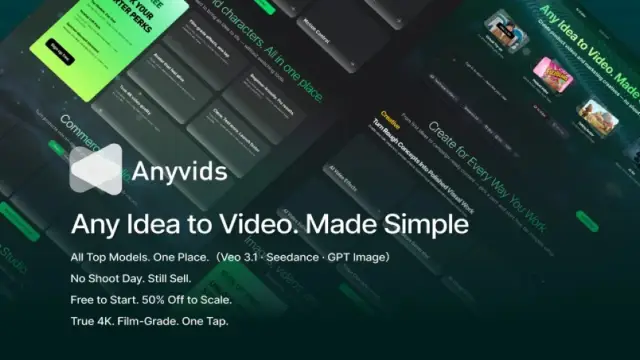
Anyvids
Anyvids' pricing page describes access to image and video models through credit-based plans. Pro lists 1,500 monthly credits and three concurrent tasks; output counts are approximate.
Find AI tools for work, creativity and everyday tasks. Read what they do before you try them.
Anyvids' pricing page describes access to image and video models through credit-based plans. Pro lists 1,500 monthly credits and three concurrent tasks; output counts are approximate.
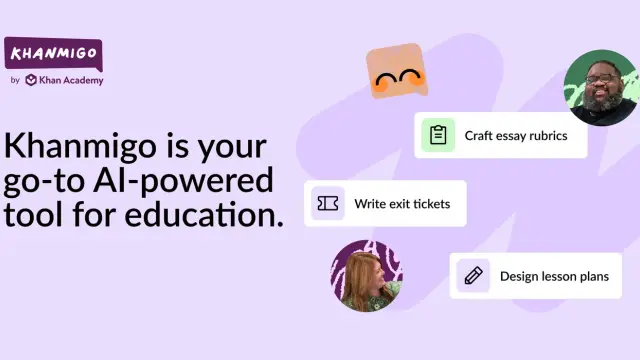
Khanmigo is Khan Academy's AI tutor and teaching assistant. Teacher tools, paid family access and district classroom access have different eligibility and supervision requirements.
ApexAPI is a multi-model gateway with pay-per-request billing and web-context endpoints. Its scrape documentation says dispatched fetches are billed even when they fail, despite broader...
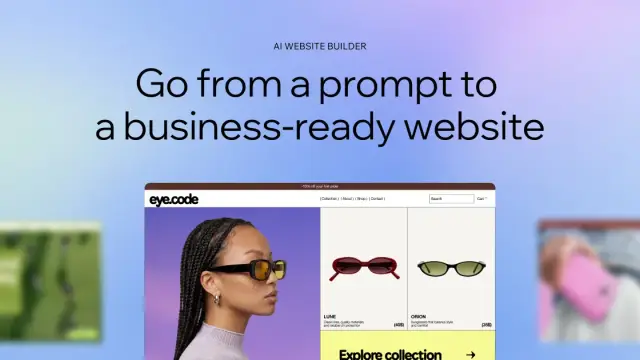
Wix combines conversational AI website creation with visual editing, managed hosting, and business tools; custom domains and payments require a paid plan.

Kinovi offers a browser studio and REST API for image, video, and audio generation, using a shared pay-as-you-go credit balance.

MaxAEO monitors brand mentions and citations in AI answers, preserving daily responses so teams can compare prompts, competitors, and changes over time.

Remaker provides browser image editing and generation tools, with prompt-based edits, brush-selected object changes, and one-time credit purchases.
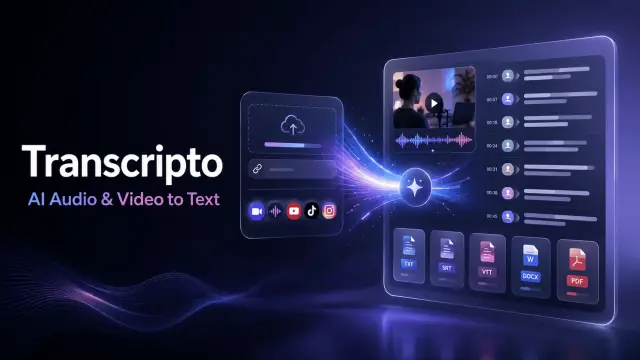
Transcripto converts uploaded recordings and supported social links into editable transcripts, with timestamps, speaker labels, translation, summaries, and plan-based export capacity.

Miso One presents an English TTS model demo and voice-credit plans, while directing developers to public model files for local evaluation.
Shopping for software? Browse seasonal AI tool deals and check each seller’s offer terms.
Start with the job, not the brand. Pick a category, sort by newest to see recent launches, then open a tool page to read what it does, who it suits and where its official website is.
Sign in, choose Submit Tool, paste the tool’s official website, pick a category and add a sentence on what it does. Submitting is instant: it is saved straight away and appears in your submission history, where you can follow it through to its published page.
Yes. Founders and makers are welcome to submit their own tools. Link the official product page rather than a social post or app store listing, so readers land in the right place.
Some are free, many have a free plan, and some are paid only. Each tool page links to the official website, which has the current pricing, because plans and prices change often.
New tools are added every day. Sort by Newest first to see the latest additions, or follow the AI Tools RSS feed to get them as they are published.