

AtriumKit turns a Chrome walkthrough into an editable demo and guide
Capture a product flow once, edit its steps and share a guided walkthrough or clickable demonstration with AI-assisted narration and translation.
Find AI tools for work, creativity and everyday tasks. Read what they do before you try them.
Capture a product flow once, edit its steps and share a guided walkthrough or clickable demonstration with AI-assisted narration and translation.
A cloud command layer connects an MCP-capable agent to multiple WordPress sites through the Royal MCP plugin.
A social-listening service with source-linked answers, sentiment and intent analysis, reports and agent integrations.
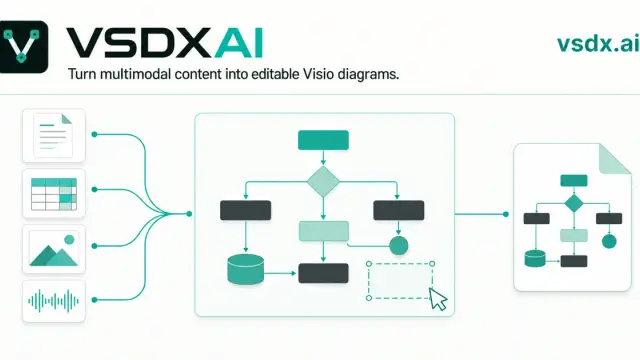
An AI diagram workspace that organizes source material into shapes and connectors, with draw.io editing and native Visio export.

Saidar presents itself as an AI secretary for email and calendars, with a Chrome extension that adds browser context to administrative work.
A coding-agent workflow proposes API documentation from a repository, with review before publication and follow-up checks for documentation drift.

A voice-first assistant for turning conversations and captured material into tasks, notes and connected context across supported devices.
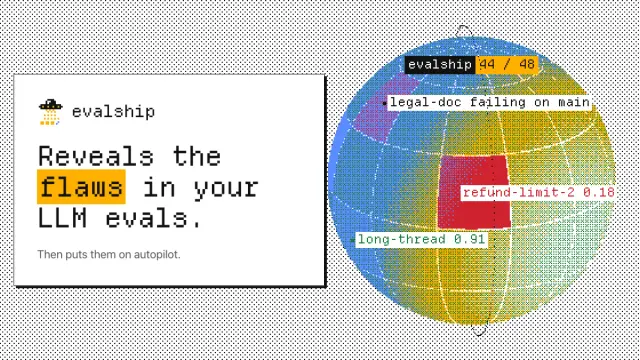
The service combines eval review, pull-request regression checks and prompt/model experiments, with examples that separate real failures from test noise.
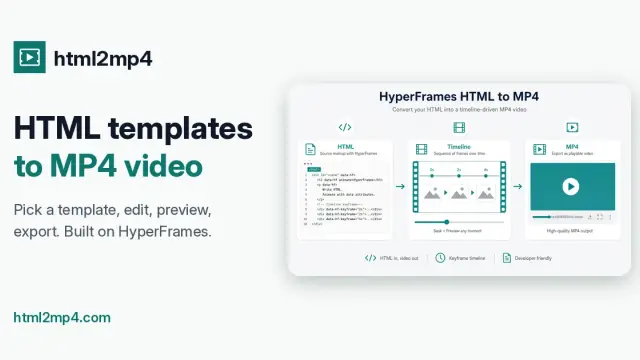
Paste HTML or start from a prompt or template, then render an MP4 on the server, with a remote MCP option for agent workflows.
Shopping for software? Browse seasonal AI tool deals and check each seller’s offer terms.
Start with the job, not the brand. Pick a category, sort by newest to see recent launches, then open a tool page to read what it does, who it suits and where its official website is.
Sign in, choose Submit Tool, paste the tool’s official website, pick a category and add a sentence on what it does. Submitting is instant: it is saved straight away and appears in your submission history, where you can follow it through to its published page.
Yes. Founders and makers are welcome to submit their own tools. Link the official product page rather than a social post or app store listing, so readers land in the right place.
Some are free, many have a free plan, and some are paid only. Each tool page links to the official website, which has the current pricing, because plans and prices change often.
New tools are added every day. Sort by Newest first to see the latest additions, or follow the AI Tools RSS feed to get them as they are published.